Visiting Seattle for the World Cup? Get a US travel eSIM from $5 — no contract, no KYC. Coverage at Lumen Field, eSIM setup guide, and everything you need to stay connected.
Update (July 2026): Seattle’s six World Cup matches have concluded — the match table below now shows the final results. Everything else in this post about travel eSIMs and staying connected applies to any Seattle trip, tournament or not.
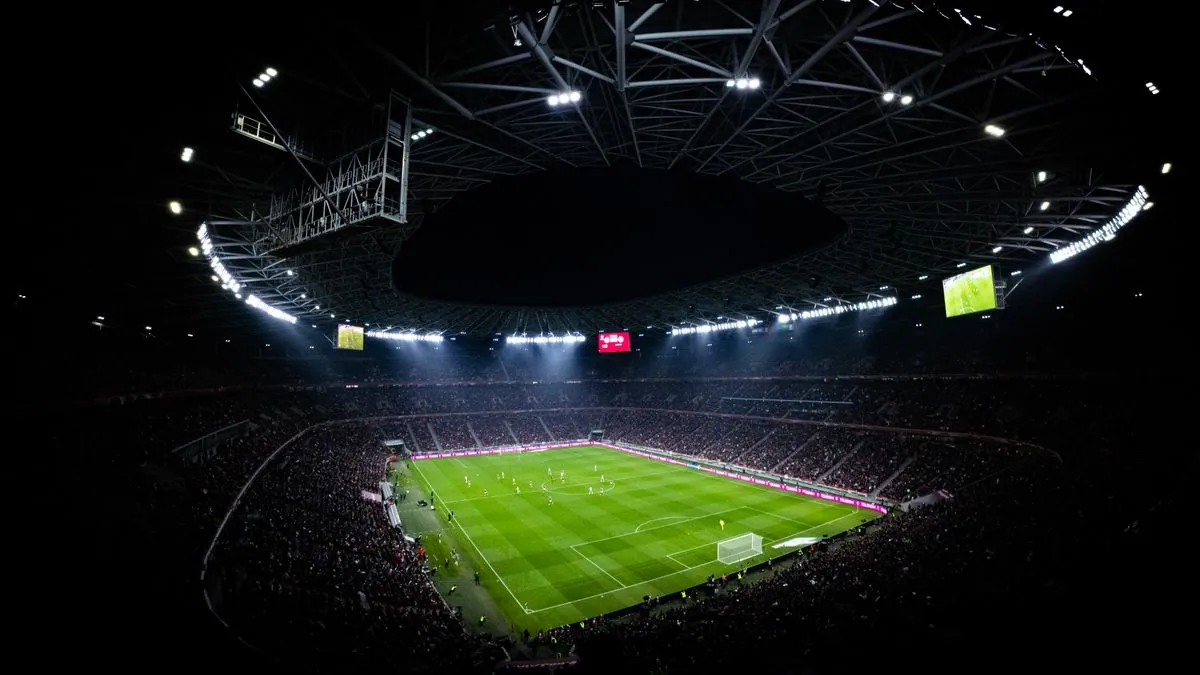
Seattle is hosting six FIFA World Cup matches at Lumen Field between June 15 and July 6, 2026. Hundreds of thousands of visitors from around the world are about to descend on the city. The matches, the fan zones, the restaurants, the waterfront — it’s going to be electric.
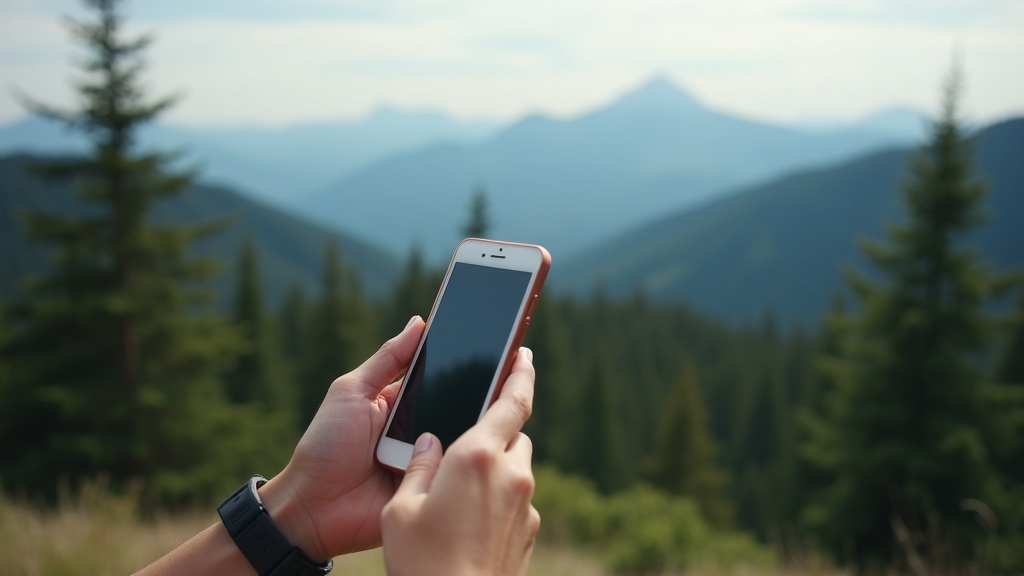
But here’s the thing nobody thinks about until they’re standing in line at customs: your phone. If you’re an international visitor, your carrier back home will happily let you roam on US networks for $10 to $15 per day. Do that for two weeks and you’re looking at $150 to $200 in roaming charges. If you’re traveling from another US state, your carrier technically works, but 70,000 fans jammed into a stadium all pounding the same network creates the kind of congestion that makes your phone feel useless.
You need maps to navigate the city. You need rideshare apps to get around. You need translation tools if English isn’t your first language. You need to share photos and video with people back home. And you need all of that to actually work when you’re surrounded by tens of thousands of people doing the exact same thing.
Here’s how to make sure your phone is ready for the World Cup.
Seattle’s World Cup Match Schedule
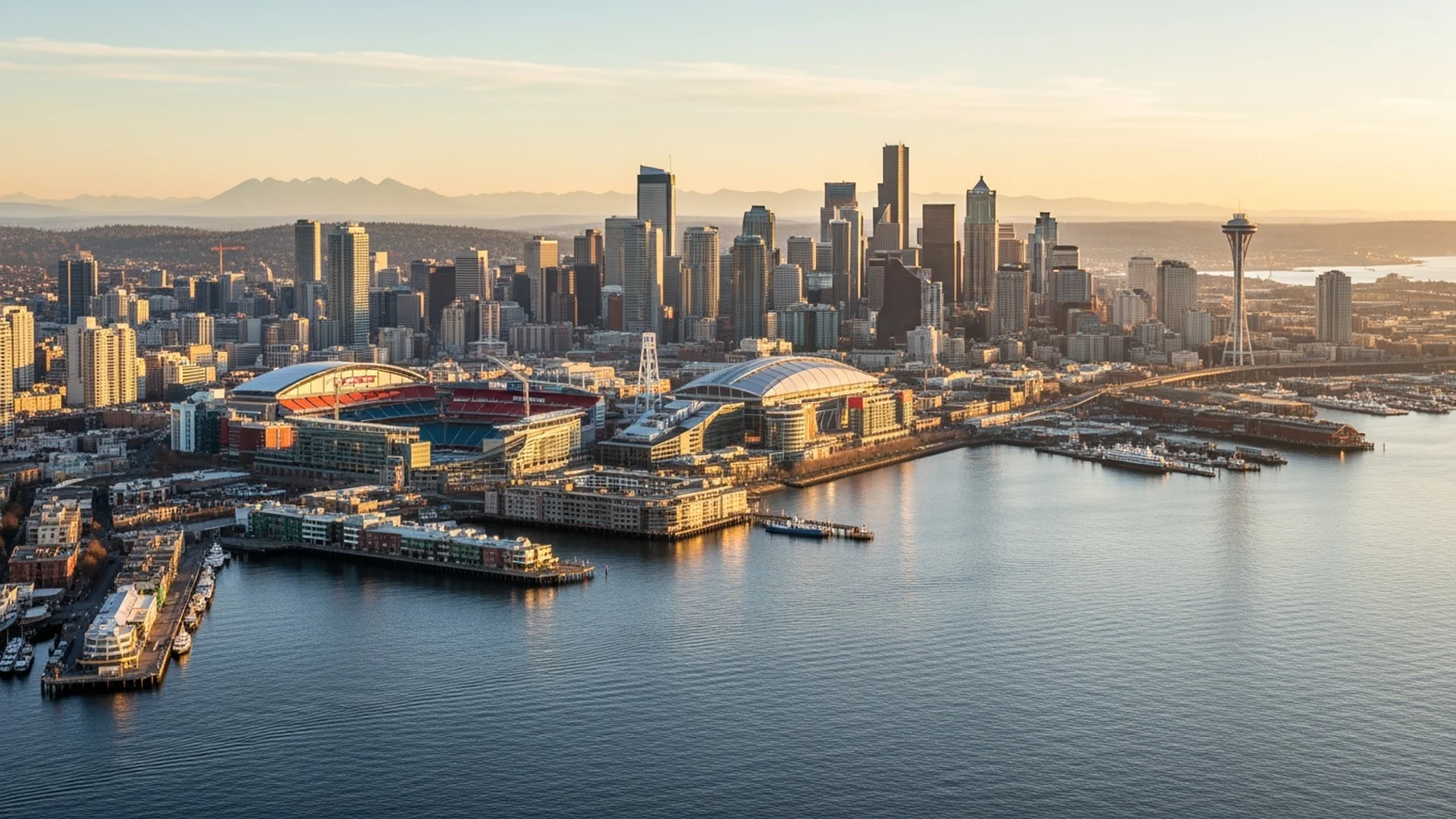
Seattle was selected as one of the 16 host cities for FIFA World Cup 2026, with all matches played at Lumen Field in the SoDo district. Here’s how the six matches finished:
| Date | Match | Round | Result |
|---|---|---|---|
| June 15, 2026 | Belgium vs Egypt | Group Stage | 1–1 |
| June 19, 2026 | USA vs Australia | Group Stage | 2–0 USA |
| June 24, 2026 | Bosnia & Herzegovina vs Qatar | Group Stage | 3–1 Bosnia |
| June 26, 2026 | Egypt vs Iran | Group Stage | 1–1 |
| July 1, 2026 | Belgium vs Senegal | Round of 32 | 3–2 Belgium |
| July 6, 2026 | USA vs Belgium | Round of 16 | 4–1 Belgium |
That’s three weeks of matches, which means three weeks of massive crowds concentrated in downtown Seattle and the stadium district. Planning your phone situation before you arrive will save you real money and real frustration.
The Phone Problem Most Visitors Don’t See Coming
International Visitors
If you’re coming from outside the United States, your home carrier’s international roaming is probably the worst option available. Most carriers charge somewhere between $10 and $15 per day for roaming access in the US. Some charge per megabyte of data, which can add up shockingly fast when you’re streaming, navigating, and posting to social media throughout the day.
The smarter move is to get a US travel eSIM before you arrive. World Mobile offers US travel eSIMs starting at just $5 — a one-time purchase, not a monthly subscription. You set it up from your hotel in London, Mexico City, Tokyo, or wherever you’re traveling from. You’ll be connected the second your plane lands at Sea-Tac.
US Travelers from Other States
If you’re coming from Texas, Florida, New York, or anywhere else in the US, your current carrier works in Seattle. But there’s a catch that most people don’t think about: stadium congestion.
When 70,000 fans are packed into Lumen Field and the majority of them are on T-Mobile or Verizon, those networks get overwhelmed. Texts don’t send. Instagram won’t load. You can’t pull up your digital ticket. You can’t order food through the stadium app. Your phone technically has signal, but it’s practically useless because the network is at capacity.
A carrier that uses multiple networks has a built-in advantage here. If T-Mobile’s tower is overloaded, your phone switches to AT&T or Verizon. That multi-network flexibility matters most in exactly this kind of high-density situation.
Best Options for World Cup Visitors
For International Visitors: Travel eSIMs
You don’t need a monthly phone plan. World Mobile offers US travel eSIMs — one-time purchases with no subscription, no KYC, and no registration. Buy it before you fly, activate when you land, done.
Here are the three options:
| Plan | Price | Data | Validity |
|---|---|---|---|
| US 1 GB | $5 | 1 GB | 14 days |
| US 5 GB | $15 | 5 GB | 60 days |
| US 10 GB | $22.50 | 10 GB | 90 days |
The 5 GB plan at $15 is the sweet spot for most World Cup visitors. That’s enough data for two to three weeks of maps, messaging, social media, and regular photo sharing. If you’re a heavy user who plans to livestream matches or post video constantly, the 10 GB plan at $22.50 gives you plenty of headroom for 90 days.
Compare that to international roaming at $10–15 per day. A two-week trip with roaming costs $150+. The travel eSIM costs $15. That’s a 90% savings.
A few things worth knowing about the travel eSIMs:
- Data only — no calls or texts. Use WhatsApp, FaceTime, or any messaging app over data instead. You keep your existing WhatsApp number.
- No KYC or registration — just buy, scan the QR code, and activate.
- Top up anytime — if you run out of data, add more through your account.
- 60 days to activate — buy now, activate when you arrive at Sea-Tac. The validity period starts when you activate, not when you buy.
If you want a full US phone number with unlimited calls and texts (useful if you’re staying longer or need to make local calls), the monthly phone plans starting at $15/mo are also available. Check out our Seattle plans page for those.
For US Travelers: Phone Plans
Your existing carrier works in Seattle, but if you’re looking for a better deal or better stadium coverage:
Standard Plan — $25/mo is more than enough for a week-long trip. 8 GB of data, unlimited calls and texts, and the four-network advantage for better coverage in crowded areas.
Unlimited Plan — $40/mo is the right call if you’re traveling with family or friends and want to use the 15 GB hotspot to share your connection. When your travel companions are on congested networks at the stadium, you can tether them to your connection.
And here’s a detail worth knowing: family discounts drop the price 10% for two lines, 20% for three, and 30% for four or more. If you’re traveling as a group, that math gets compelling fast.
Why eSIM Is Perfect for World Cup Travel
If you haven’t set up an eSIM before, the World Cup is the perfect reason to try. Here’s why it’s better than any other option for this trip:
Set up before you leave home. You don’t have to wait until you land in Seattle. You can activate your plan from wherever you are in the world. Open the website, choose your plan, scan a QR code, and your phone is configured. When you turn off airplane mode after landing at Sea-Tac, you’re immediately connected.
No store visit. You don’t need to find a carrier store in an unfamiliar city, wait in line, deal with a language barrier, or waste any of your limited time in Seattle on phone logistics.
Keep your home number active. Most modern phones support dual SIM, meaning you can keep your existing home carrier active on one line (for receiving texts and calls on your regular number) while using a US eSIM on the second line for data and local calls. This is particularly useful for international visitors who want to stay reachable on their home number.
Switch instantly. If the World Cup inspires a longer US trip, you can upgrade your plan without changing anything physical. And when you fly home, you deactivate the eSIM and your phone goes back to your home carrier as if nothing changed.
For a complete walkthrough of how eSIM works, how to check if your phone supports it, and step-by-step activation instructions, read our full eSIM guide.
Coverage at Lumen Field and the Stadium District
This is where things get practical. Lumen Field holds just over 69,000 fans for soccer configuration. On match days, the SoDo district, Pioneer Square, and the waterfront will be packed with hundreds of thousands more people watching on screens, eating, drinking, and celebrating.
The four-network approach is a genuine advantage in this environment. Here’s why: when a stadium full of fans are all on the same network, that network gets congested. Your data slows to a crawl or stops working entirely. But when your phone can connect to four different networks, it picks the one with the most available capacity. If everyone around you is hammering T-Mobile, your phone can route through Verizon or AT&T instead.
Coverage along the Link Light Rail corridor from Sea-Tac Airport to Stadium Station is strong across all major networks. You’ll have service through the tunnel downtown, at all the station stops, and along the elevated sections through the Rainier Valley. The same goes for the bus routes running through the stadium district.
Seattle Visitor Tips for Match Days
Getting to Lumen Field
Link Light Rail is the best option. The 1 Line runs from Sea-Tac Airport to Stadium Station in about 40 minutes. The fare is $3. Trains run every 8 to 10 minutes during peak hours. On match days, expect crowds but service will be frequent. Stadium Station drops you right at the north end of the stadium.
Rideshare works, but expect surge pricing and traffic on match days. The designated pickup and drop-off zones around the stadium will be clearly marked, but getting in and out of the SoDo district by car will be slow. Light rail is genuinely faster.
Walking from downtown Seattle to Lumen Field is about 20 minutes through Pioneer Square. It’s a pleasant walk and on match days the route will be full of fans heading the same direction.
Fan Zones
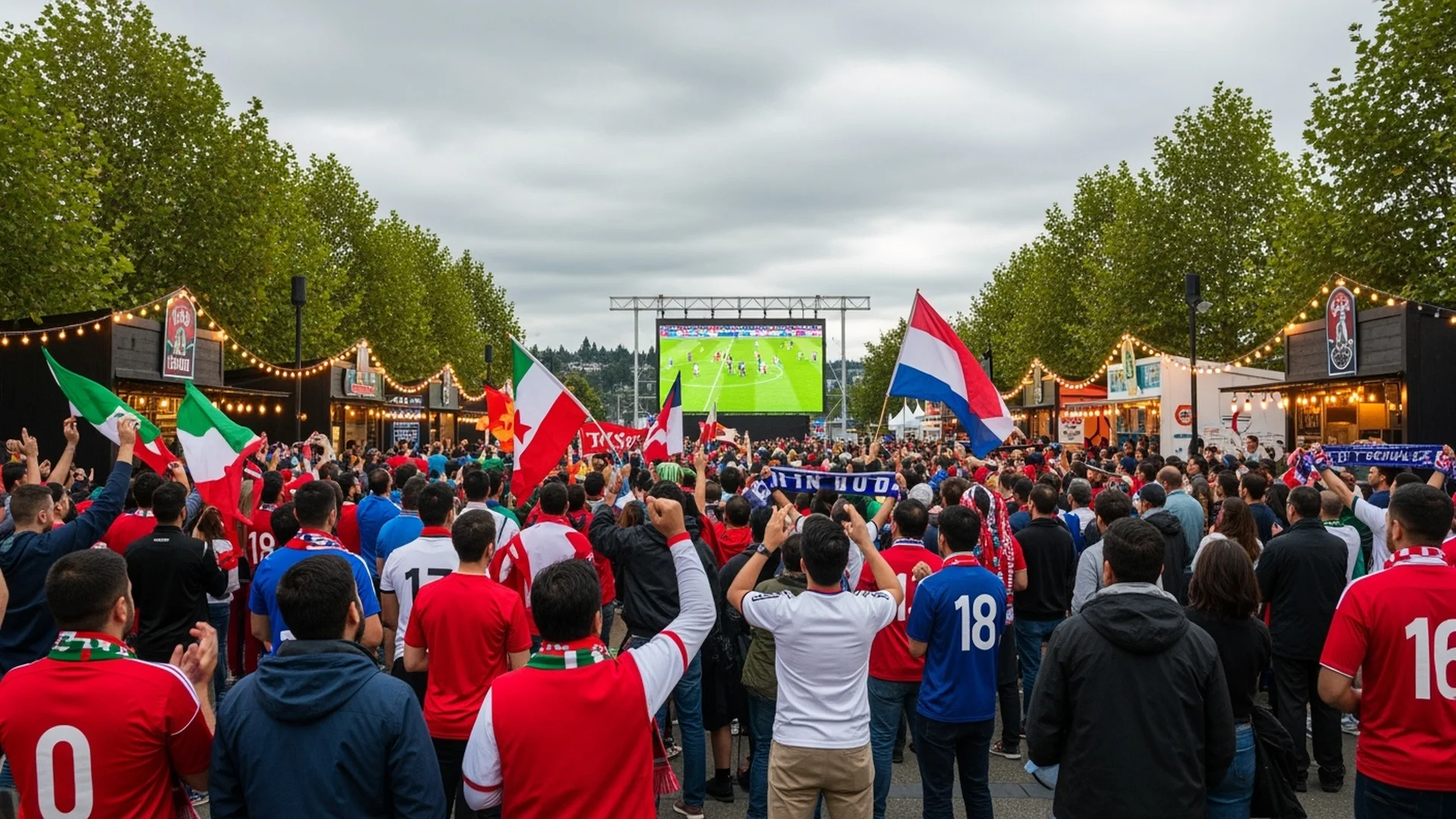
Seattle’s official FIFA Fan Festival will be along the waterfront, likely centered around Pier 62 and the new waterfront park. These are free public areas with giant screens showing every match, food vendors, live music, and entertainment. Expect massive crowds here too — your phone’s ability to connect to a less congested network will be useful.
Before Match Day
A few things to do while you still have a reliable WiFi connection:
- Download offline maps. Open Google Maps or Apple Maps and download the Seattle metro area for offline use. If cellular gets overwhelmed at the stadium, you’ll still be able to navigate.
- Save your tickets. Screenshot or download your match tickets, hotel confirmation, and any reservations. Don’t rely on loading them live.
- Set up your eSIM. Don’t wait until match day to deal with phone setup. Get your plan activated at least a day before your first match so you can verify everything works.
- Download a translation app’s offline pack if English isn’t your primary language. Google Translate lets you download languages for offline use.
Connectivity Backup Plan
Between your hotel WiFi and an eSIM data plan, you’re well covered. But for complete peace of mind: keep a portable battery charger with you. Match days are long. Between travel, fan zone time, the match itself, and celebrations afterward, you’ll be using your phone heavily for 8 to 12 hours. A dead battery is worse than a congested network.
How to Switch Before the World Cup
If you want to keep your current phone number while switching to a plan with better coverage for the tournament, the process takes about 15 minutes:
- Check if your phone supports eSIM (most phones from 2020 or later do — our eSIM guide has the full list)
- Choose your plan on the HexyMobile plans page
- Complete the online activation and scan the QR code
- Your plan is live and your number ports over within minutes to hours
No contract means you’re not locked in. If you only want coverage for the tournament, you can cancel anytime after. But at $25 to $55 per month with no hidden fees, most people find they’re paying less than their old carrier and just keep it.
The Bottom Line
The FIFA World Cup in Seattle is going to be incredible. Six matches at Lumen Field, three weeks of international celebration, and a city that’s genuinely excited to host the world. Don’t let a bad phone situation get in the way of the experience.
Set up your plan before you travel. Use eSIM so you’re connected the moment you arrive. Pick a carrier with multi-network coverage so your phone actually works when you’re surrounded by 70,000 fans. And download your offline maps, just in case.
For a full breakdown of coverage, plans, and everything you need to know about staying connected in Seattle, visit our Seattle plans page or compare all available plans to find the right fit for your trip. If you need help choosing a plan or have questions about eSIM setup, our chat widget is available on every page — just ask.
See you at Lumen Field.
Ready to switch? Plans start at $15/mo.
Sign Up at HexyMobileStay in the Loop
Phone plan tips, coverage updates, and deals for the PNW. No spam.