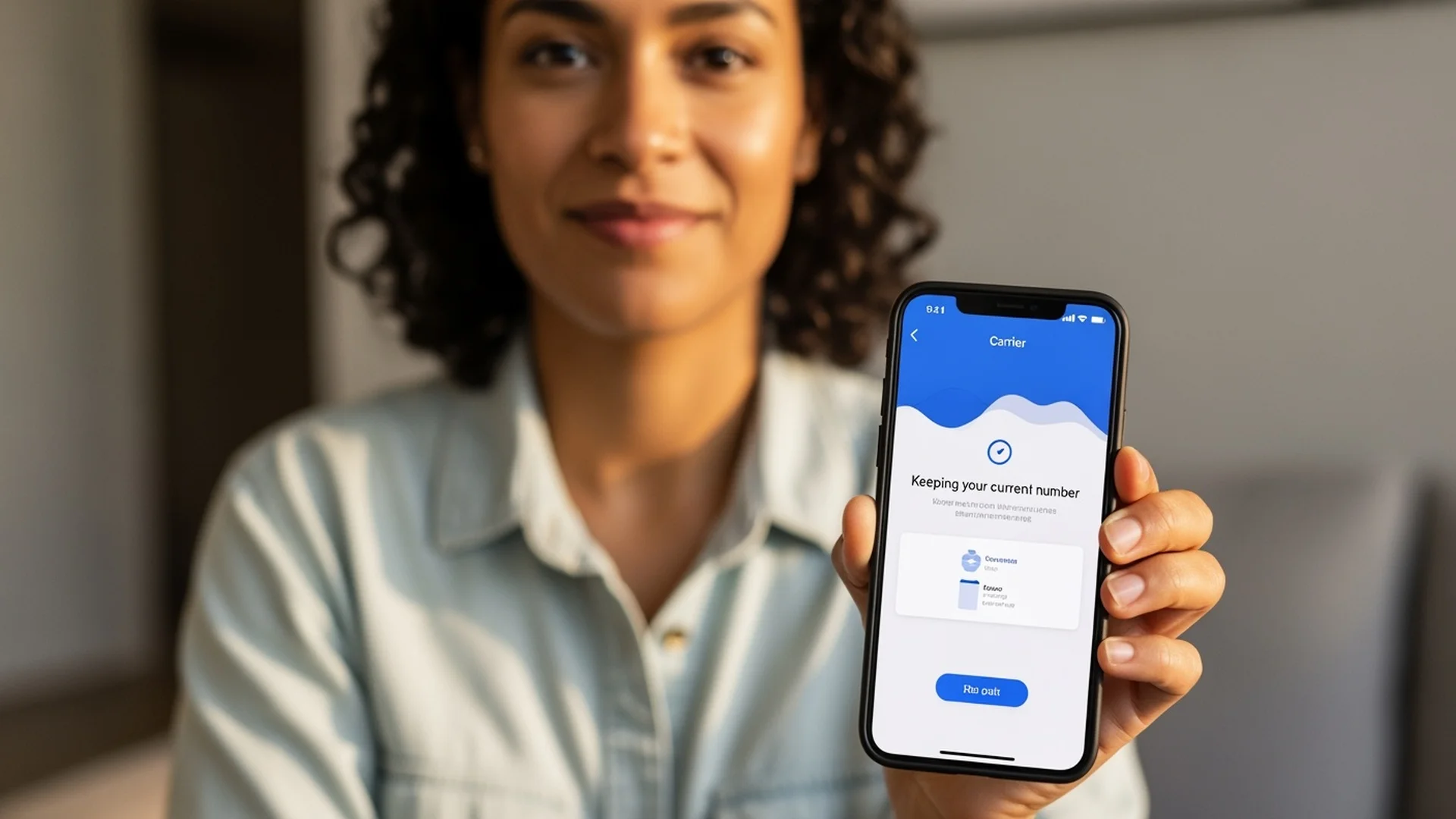
Step by step guide to transferring your phone number to a new carrier. Learn what information you need, how long it takes, and what to expect during the porting process.
The number one reason people hesitate to switch phone carriers is the fear of losing their phone number. You’ve had the same number for years, maybe decades. Every friend, family member, doctor’s office, bank, and delivery service has it on file. The thought of starting over with a new number feels overwhelming.
Here’s the good news: you don’t have to. Your phone number belongs to you, not your carrier. Federal law guarantees your right to take your number with you when you switch, and the process is faster and easier than most people expect. In most cases, your number transfers in minutes, not days.
This guide walks through everything you need to know about porting your phone number, from gathering the right information to completing the switch without missing a single call.
Can You Keep Your Phone Number When Switching Carriers?
Yes, you can keep your phone number when switching to any carrier, including World Mobile. This right is protected by the FCC under the Local Number Portability (LNP) rules, which have been federal law since 2003.
The FCC’s number portability rules apply to all types of phone numbers: cell phones, landlines, VoIP numbers, and even business lines. Your current carrier cannot refuse to release your number, charge you a fee for releasing it, or delay the process. If they do any of these things, they’re violating federal regulations and you can file a complaint with the FCC.
This law exists specifically because carriers used to hold numbers hostage to prevent customers from leaving. The FCC put a stop to that, and now switching carriers while keeping your number is a routine process that happens millions of times every month across the country.
How Long Does It Take to Port a Phone Number?
Most cell phone number ports complete within minutes. When you activate your new carrier and submit the port request, the transfer typically happens in under 15 minutes. In many cases, it takes less than 5 minutes.
The FCC requires that wireless to wireless ports (transferring from one cell carrier to another) be completed within one business day. In practice, modern porting systems process transfers much faster than that. The electronic systems that handle number transfers operate in near real time, so the moment your new carrier submits the request and your old carrier confirms the account details, the switch happens almost immediately.
There are a few situations where a port might take longer:
Landline to wireless ports (moving a home phone number to a cell phone) can take 3 to 10 business days because the systems involved are older and require more manual processing.
Business line ports with multiple numbers may take longer if the numbers are part of a complex PBX or VoIP system.
Ports with incorrect information get delayed because the systems can’t match the account details. This is the most common reason for slowdowns, and it’s entirely avoidable (more on that below).
What Information Do You Need to Port Your Phone Number?
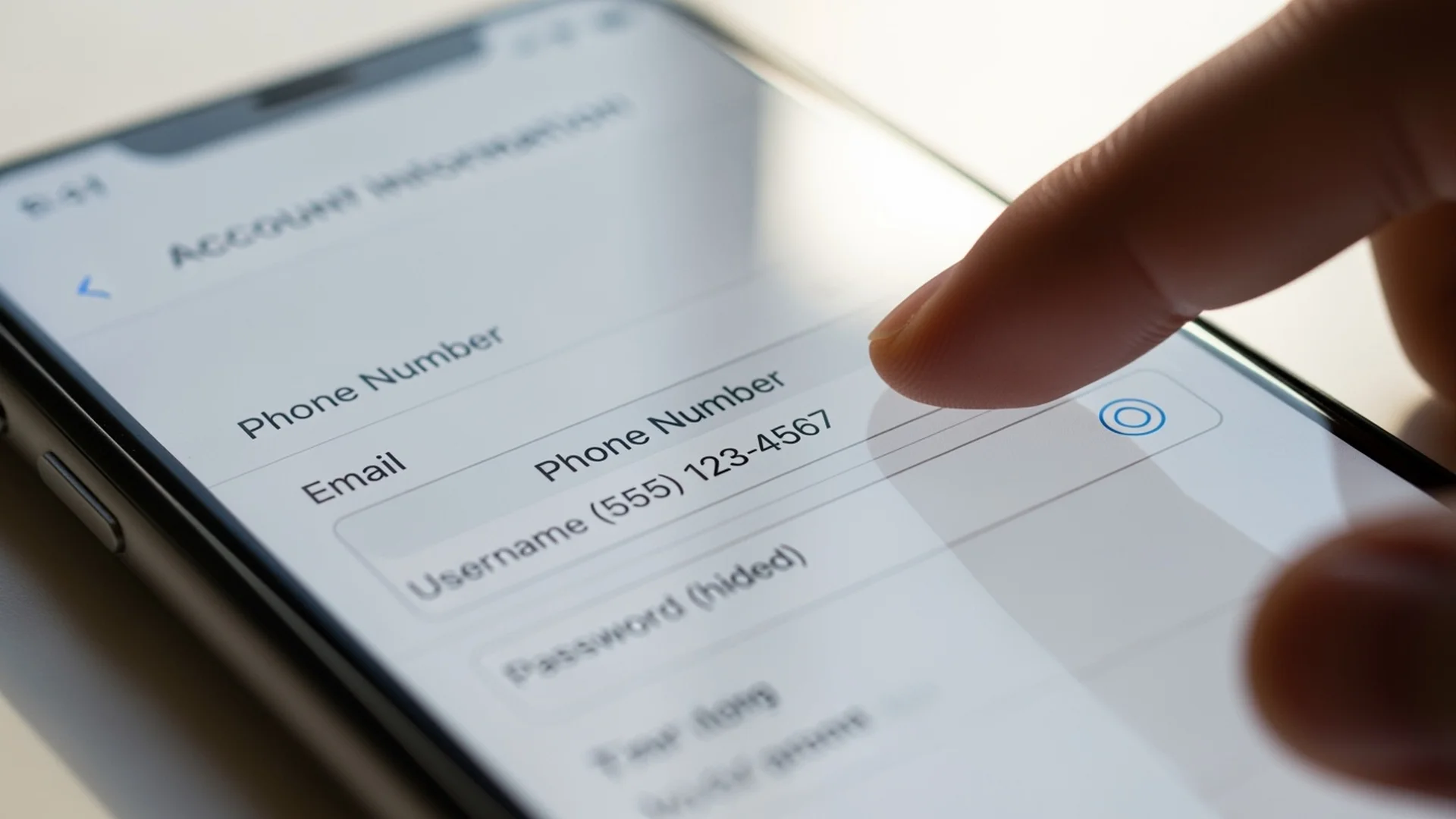
To successfully port your phone number, you need four pieces of information from your current carrier. Getting these right is the single most important step in the process.
1. Your account number. This is your full account number with your current carrier, not your phone number. You can find it on your bill, in your carrier’s app, or by calling their customer service. Some carriers call this a “subscriber ID” or “customer number.”
2. Your account PIN or passcode. Most carriers assign a PIN or security code to your account. This is not your phone’s screen lock code. It’s a separate number you set up when you opened your account, or one that was assigned to you. If you don’t remember it, log into your carrier’s app or website and look under security settings, or call their customer service to reset it.
3. The name on your account. The name you provide to your new carrier must match the name on your current account exactly. If your account is under “William Smith” and you enter “Bill Smith,” the port may be rejected. Check your bill for the exact name listed.
4. Your billing address. This is the address associated with your current account. Again, it needs to match exactly. If you’ve moved recently but haven’t updated your carrier, use the old address that’s still on file.
Here’s where to find this information on the major carriers:
| Carrier | Account Number | PIN/Passcode | Where to Find |
|---|---|---|---|
| Verizon | My Verizon app → Account → Account PIN | 4 digit PIN in app settings | App or call 1-800-922-0204 |
| T-Mobile | T-Mobile app → Account → Account number | 6 to 15 digit passcode in app | App or call 1-800-937-8997 |
| AT&T | myAT&T app → Account → Account info | 4 to 8 digit passcode | App or call 1-800-331-0500 |
| Cricket | myCricket app → Account details | 4 digit PIN | App or call 1-800-274-2538 |
| Mint Mobile | Mint app → Account → Port info | Account PIN in app settings | App or contact support |
Pro tip: Gather all four pieces of information before you start the activation process with your new carrier. Having everything ready makes the port go smoothly and avoids delays from mismatched data.
How Do You Port Your Number to World Mobile?
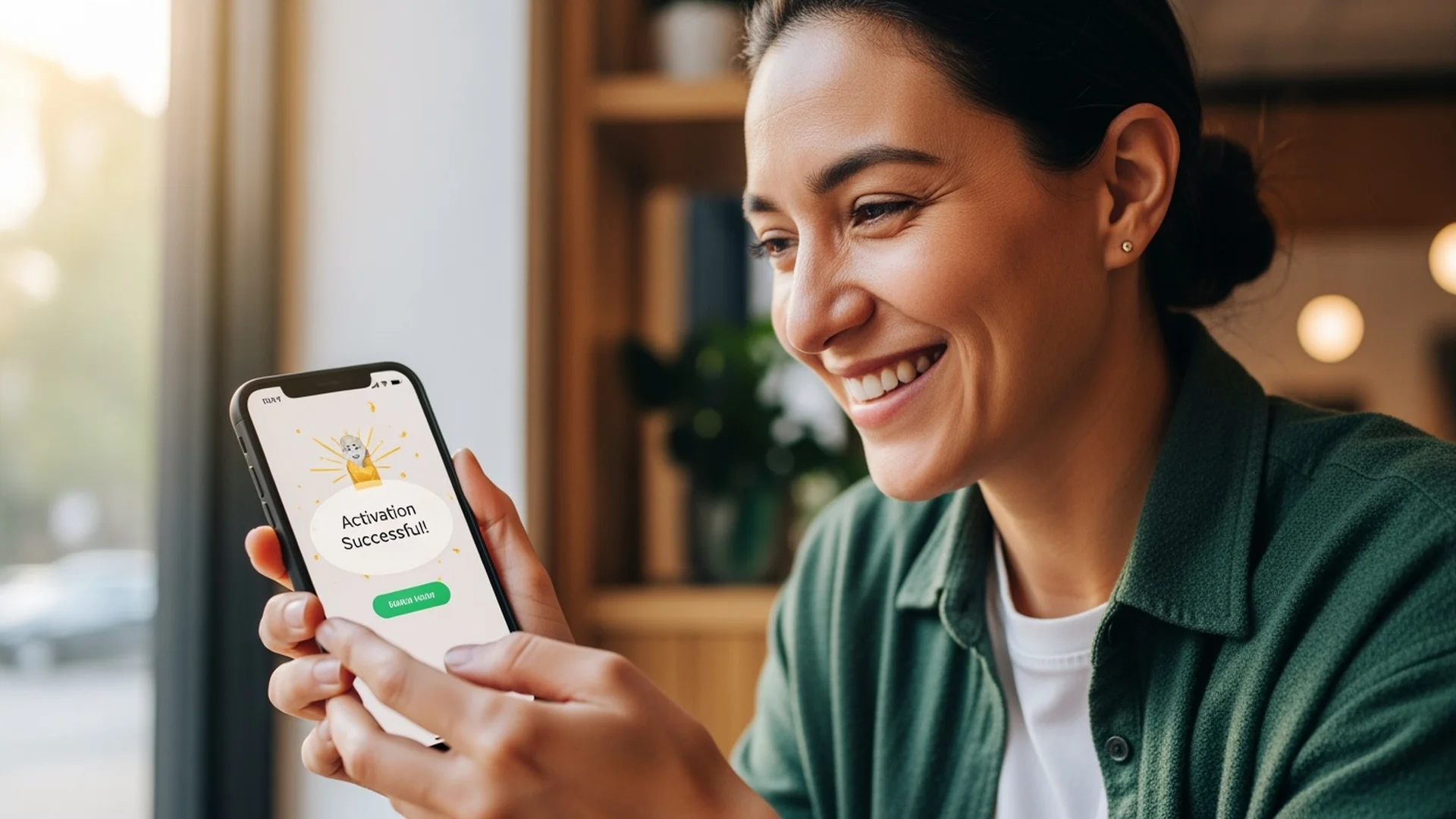
Porting your number to World Mobile through HexyMobile is a straightforward process that takes about five minutes. Here’s exactly what happens:
Step 1: Choose your plan. Visit HexyMobile and select the plan that fits your needs. Starter at $15, Standard at $25, Unlimited at $40, or Unlimited+ at $55. All plans are month to month with no contracts. If you’re in Bellingham or elsewhere in the Pacific Northwest, our guide to affordable phone plans can help you pick the right tier.
Step 2: Enter your information. During signup, you’ll be asked whether you want a new number or want to keep your existing number. Select “keep my number” and enter the four pieces of information listed above: account number, PIN, name on account, and billing address.
Step 3: Receive your eSIM QR code. After signing up, you’ll receive a QR code for your eSIM activation. This is either displayed on screen or sent to your email.
Step 4: Scan and activate. Open your phone’s settings, navigate to eSIM or cellular settings, and scan the QR code. Your phone will download the World Mobile carrier profile. If you need a detailed walkthrough of this step, our eSIM setup guide covers every phone model.
Step 5: Port completes automatically. Once you activate the eSIM, the port request is submitted to your old carrier. Your number transfers within minutes. You’ll see “World Mobile” appear as your carrier, and calls and texts will start coming through on your new plan.
Step 6: Old carrier cancels automatically. You don’t need to call your old carrier to cancel. Once the port completes, your previous account is automatically closed. If you were on a contract or device payment plan, you may receive a final bill for any remaining balance on your device.
The entire process, from choosing a plan to making your first call on World Mobile, typically takes less than 10 minutes.
Will You Lose Service During the Transfer?
No. You will not experience a gap in service when porting your number to a new carrier. Here’s what happens technically during the transition:
When you activate your new eSIM, your phone connects to World Mobile’s network immediately. At this point, your new service is active and your phone can make outgoing calls and access data through World Mobile.
The port request then processes in the background. During this brief window (usually just a few minutes), incoming calls and texts to your number are still being routed to your old carrier. Once the port completes, incoming calls and texts switch over to your new carrier instantly.
The practical result is that you might miss an incoming call during the 2 to 5 minute window while the port processes, but this is rare and brief. Most people don’t even notice the transition. You can make outgoing calls on your new service during this entire window.
If you want to be extra cautious, start the process during a low activity time, like early morning or late evening, when you’re less likely to receive calls.
Does Your Old Carrier Cancel Automatically?
Yes. When your number port completes, your old carrier is automatically notified that the number has been transferred. They will close your account and stop billing you. You do not need to call them to cancel.
This is one of the most commonly misunderstood parts of switching carriers. Many people think they need to cancel their old service before activating the new one, but doing this can actually cause problems. If you cancel your old account before the port is initiated, your number may be released back to the general pool and become unrecoverable.
The correct order is always:
- Sign up with your new carrier and request the port
- Activate your new service
- Let the port complete
- Your old carrier cancels automatically
After the port, you may receive a final bill from your old carrier for any prorated charges from the current billing cycle or remaining device payment balances. This is normal and doesn’t mean your account is still active.
Can You Port a Landline Number to a Cell Phone?
Yes, you can port a landline (home phone) number to a cell phone, but the process takes longer than a wireless to wireless port. Landline ports typically take 3 to 10 business days because the underlying infrastructure is older and requires coordination between different types of networks.
The process works the same way: you provide your landline account number, PIN (if applicable), name on account, and service address. Your new carrier submits the port request, and the landline provider processes the transfer.
A few things to keep in mind with landline ports:
Your landline service will remain active until the port completes. You won’t lose your home phone during the transfer window.
Some landline providers use a different account structure, so the “account number” and “PIN” may be formatted differently than what you’d see on a wireless account. Check your paper bill or call your landline provider to confirm the correct information.
If your landline is bundled with internet or TV service, porting the number away may affect your bundle pricing. Contact your provider to understand any pricing changes before initiating the port.
VoIP numbers (from services like Google Voice, Vonage, or Ooma) can also be ported, though the process varies by provider. Most VoIP ports complete within 1 to 3 business days.
What Happens If a Number Port Fails?
Port failures are uncommon, but when they happen, the cause is almost always incorrect information. The porting system cross references the details you provide (account number, PIN, name, address) against your current carrier’s records, and if any field doesn’t match exactly, the request is rejected.
Here are the most common reasons for port failures and how to fix them:
Name mismatch. The name on your current account must match exactly what you enter during the port request. “Robert” and “Bob” are considered different names by the automated system. Check your bill for the exact name and use it character for character.
Wrong PIN or passcode. If you’ve forgotten your PIN or if it was changed recently, log into your carrier’s app or call their customer service to confirm or reset it. Some carriers have separate PINs for account access and for number porting.
Incorrect account number. Some carriers have multiple numbers associated with your account (customer ID, subscriber number, billing account number). Make sure you’re using the one specifically labeled as the “account number” for porting purposes.
Address mismatch. Use the billing address on your current account, not your physical address if they’re different. If you recently moved and updated your address with the carrier, use the new address.
Account has a port freeze. Some carriers allow you to place a “number lock” or “port freeze” on your account as a security measure. If you previously enabled this feature, you’ll need to remove it before the port can proceed. Log into your carrier’s app and look for “number transfer lock” or “port protection” settings.
If a port fails, you’ll receive a notification explaining the reason. Fix the specific issue and resubmit. Your service with your current carrier is not affected by a failed port attempt, so there’s no risk of losing service while troubleshooting.
Can You Port a Prepaid Number?
Yes, prepaid phone numbers can be ported to World Mobile or any other carrier. The process is identical to postpaid numbers: provide your account number, PIN, name, and address, and the port processes normally.
There is one important consideration with prepaid accounts: your prepaid service must be active at the time of the port. If your prepaid balance runs out and your account is deactivated before the port completes, you may lose the number. Make sure you have enough balance to keep the account active for at least a few days while the port processes.
For most prepaid carriers, the account number is different from your phone number. Check your carrier’s app or call customer service to get the correct porting information.
What About Porting Numbers Between Family Plan Lines?
If you’re on a family plan and only porting one line (not the whole account), the process works the same way. You port your individual number, and it’s removed from the family plan. The remaining lines on the family plan stay active and unaffected. For a complete guide to navigating this situation, including the conversation with your family, read our post on how to split off your family phone plan.
However, removing a line from a family plan may change the per line pricing for the remaining members. Many carriers offer discounts based on the number of lines, so going from four lines to three might increase the per line cost for everyone else. Check your current carrier’s pricing structure before porting to understand how it affects the remaining lines.
If you’re porting your entire family to World Mobile, each person ports their number individually. There’s no “family plan” transfer mechanism. Each family member signs up for their own World Mobile plan and ports their own number.
How Do You Know Your Port Was Successful?
You’ll know your port is complete when three things happen:
First, your phone will show “World Mobile” (or the network name) as your carrier in the status bar or settings.
Second, you’ll be able to make and receive calls and texts on your ported number through your new World Mobile service.
Third, your old carrier will stop working. If you had a physical SIM from your old carrier still in your phone, it will show “No Service” once the port completes.
Most carriers also send a confirmation email or notification when the port is finalized. World Mobile will confirm the successful transfer during the activation process.
If you’re unsure whether the port completed, try calling your own number from another phone. If it rings on your World Mobile device, the port is done.
Do I need to notify my old carrier before switching?
No. Do not cancel your old service before initiating the port. Your old carrier is automatically notified when the port request is submitted, and your account is automatically closed once the port completes. Canceling early can result in losing your number.
Can I port my number if I still owe money on my phone?
Yes. You have the right to port your number regardless of any remaining device payment balance. However, your old carrier will send you a final bill for the remaining balance on the device. Porting your number does not erase the debt; it just moves your number to the new carrier.
How much does it cost to port a phone number?
Porting your number to World Mobile is free. Your old carrier cannot charge you a fee for releasing your number. This is prohibited by FCC regulations. If you see a “porting fee” on your final bill, you can dispute it or file a complaint with the FCC.
Can I port a Google Voice number to World Mobile?
Yes, Google Voice numbers can be ported to a wireless carrier. Google charges a one time fee of $3 to unlock the number for porting. Once unlocked, the port process works the same as any other number transfer.
What if I changed my mind after porting?
You can port your number again to any carrier at any time. Since World Mobile has no contracts or cancellation fees, you can leave and take your number with you whenever you want. Number portability is a permanent right, not a one time event. And once you’re on World Mobile, you can earn money by referring friends to the same service.
Will porting affect my text message history?
Your text message history is stored on your phone, not with your carrier. Porting your number does not delete any messages on your device. However, messages stored in carrier specific apps (like Verizon Messages+) may not transfer. Make sure any important messages are backed up before switching.
Can I port my number on a weekend?
Yes. Wireless to wireless ports process 24/7, including weekends and holidays. The automated systems don’t take days off. Landline ports may take longer on weekends since they sometimes require manual processing during business hours.
What happens to my voicemail when I switch?
Your old voicemail box is tied to your previous carrier and will not transfer. Any saved voicemails should be backed up before porting. Once you activate World Mobile, you’ll set up a new voicemail box with the same phone number. Callers won’t notice any difference.
Ready to switch? Plans start at $15/mo.
Sign Up at HexyMobileStay in the Loop
Phone plan tips, coverage updates, and deals for the PNW. No spam.